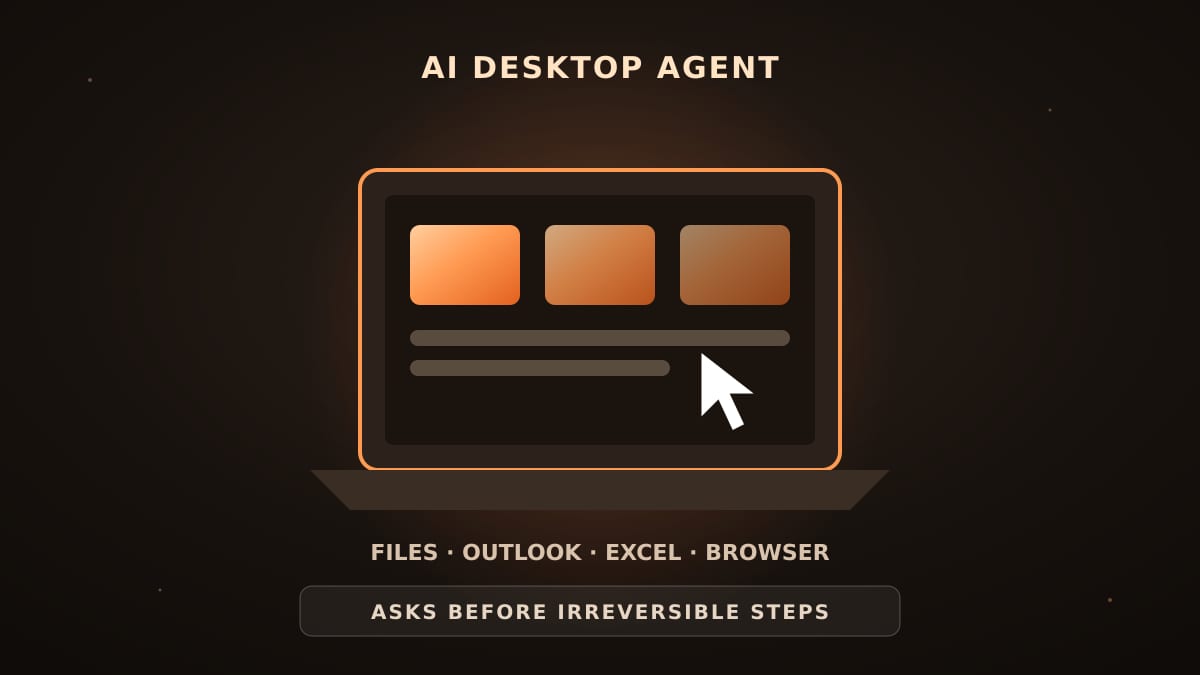
Quick summary: An AI desktop agent is an assistant that can work directly on a computer — finding files, opening applications, using the browser, Outlook and Excel — to complete multi-step tasks. It is one of the most practical forms of "agentic AI", as long as it asks before doing anything that cannot be undone.
From chatbot to agent
A chatbot answers. An agent acts: it plans the steps, uses tools and checks the result. On the desktop, that means the AI can do the clicking and typing that eats up an office worker's day, instead of just telling them how.
Tasks desktop agents handle well
Finding and organising files: "collect every invoice from September into one folder and rename them by supplier". Working in Excel: cleaning a sheet, building a summary table or a chart. Email: drafting replies in Outlook from a template and attaching the right file. Browser work: looking up information and copying it into a report. IT support: checking system information and capturing a screenshot of an error for the helpdesk.
Where the risks are
An agent with access to a computer can also delete files, send emails or change data. Three safeguards matter. First, the agent should ask before any step that cannot be undone. Second, it should be able to run in a limited mode where it only reads or prepares work. Third, the AI model itself should run inside the company, so the content of files and emails is not shipped to an external service while the agent works.
How DABO AI Desktop works
DABO AI Desktop is a companion app for employees' Windows, macOS or Linux computers, available on the Max plan and above. It connects to your company's own DABO AI server, so the AI works on the employee's machine while the intelligence stays in-house. It can find and organise files and use applications, the browser, Outlook and Excel. Two modes are available: Full access, where it carries out the task for the employee, and Limited. In every mode it asks before steps that cannot be undone, and writes into business systems require approval.
Getting value quickly
Start with one repetitive, rule-based task that a team does every week — compiling a report from several spreadsheets, or filing documents into the right folders. Measure the time before and after. Then expand to similar tasks across the department.
Frequently asked questions
Is a desktop agent the same as RPA? Traditional RPA follows a fixed script; an AI agent understands the goal and adapts when a window or file looks different.
Can the agent send emails on its own? It asks before irreversible actions such as sending, so a person stays in control.
Which plan includes DABO AI Desktop? Max and Ultra.